Download and Set Up
Happ VPN
VVPORT helps you download Happ VPN and set up your subscription in seconds. The app runs on VLESS protocols and supports Android, iPhone, Windows and macOS, with automatic server setup and fast VPN key import.
Why users
choose Happ VPN
Happ is a cross-platform app for VPN and proxy configurations based on Xray. It supports modern protocols including VLESS (Reality), VMess, Trojan, Shadowsocks and Socks. Easy connection management, flexible settings and broad platform support make Happ a great choice for both beginners and advanced users. VVPORT provides ready infrastructure for Happ with VPN subscriptions, keys and international servers.
Modern encryption
Your data is protected by modern encryption technologies for secure browsing.
Quick setup
Adding a VPN subscription takes less than a minute and requires no manual server configuration.
Cross-platform
Works on Android, iPhone, Windows, macOS, Linux, Android TV and tvOS.
Modern protocols
Supports VLESS (Reality), VMess, Trojan, Shadowsocks and Socks.

Download Happ VPN
Download the Happ app through your VVPORT dashboard. The service provides access to the latest app versions for all popular platforms and helps you set up your VPN subscription quickly.
Android
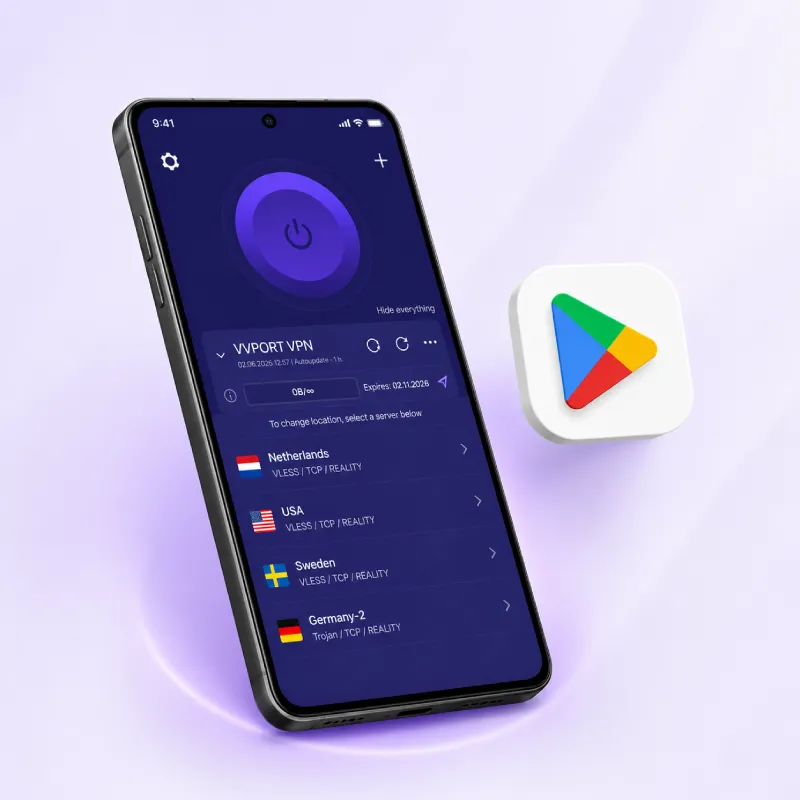
Install Happ on your Android smartphone or tablet. Add your VVPORT VPN subscription — the app will automatically load servers and configure the connection. Supports Android 8.0 and above.
iPhone and iPad
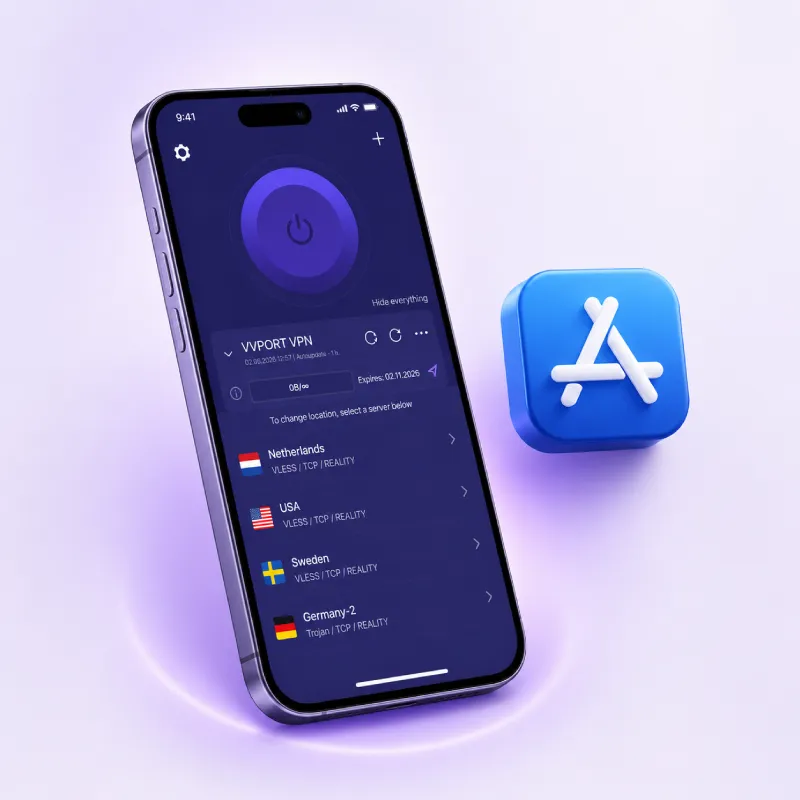
Install Happ on iPhone or iPad and connect to VPN in seconds. Supports subscription import, QR code and manual setup. Works on iOS 15 and above.
Windows
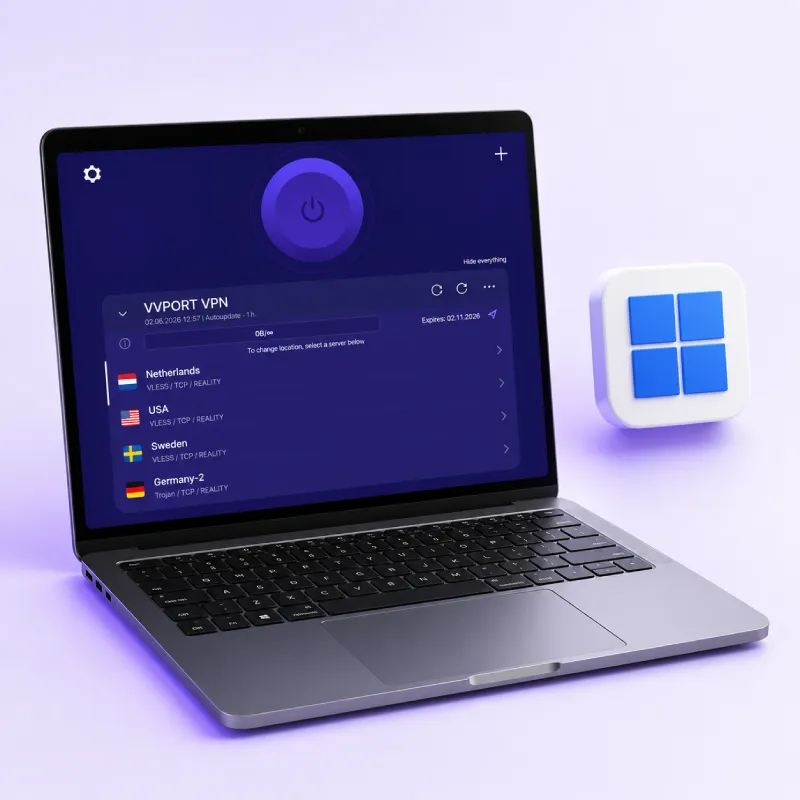
Use Happ on Windows 10 and 11. The app supports VPN subscriptions, automatic server configuration and background operation.
macOS
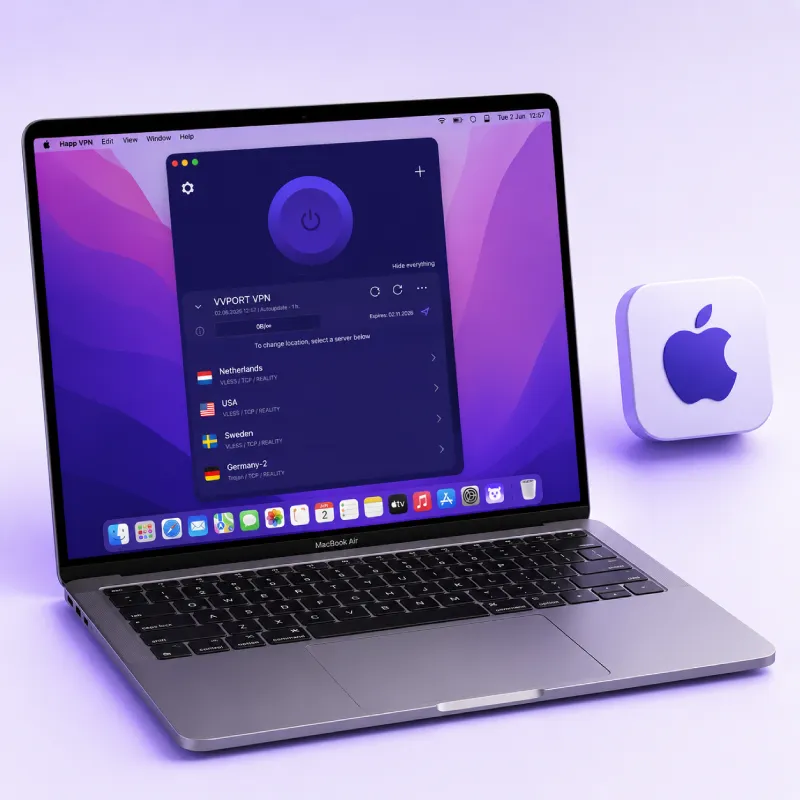
Connect Happ on MacBook or iMac. Supports macOS 12 and above, automatic subscription sync and fast server switching.
Linux
Happ works on popular Linux distributions. Supports VPN subscription import and manual configuration for advanced users.
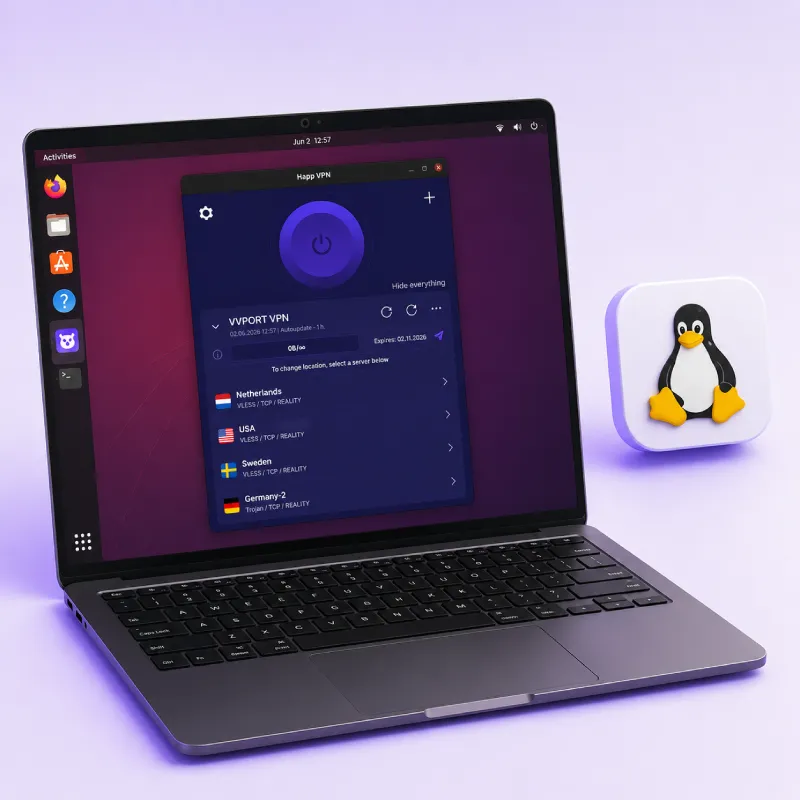
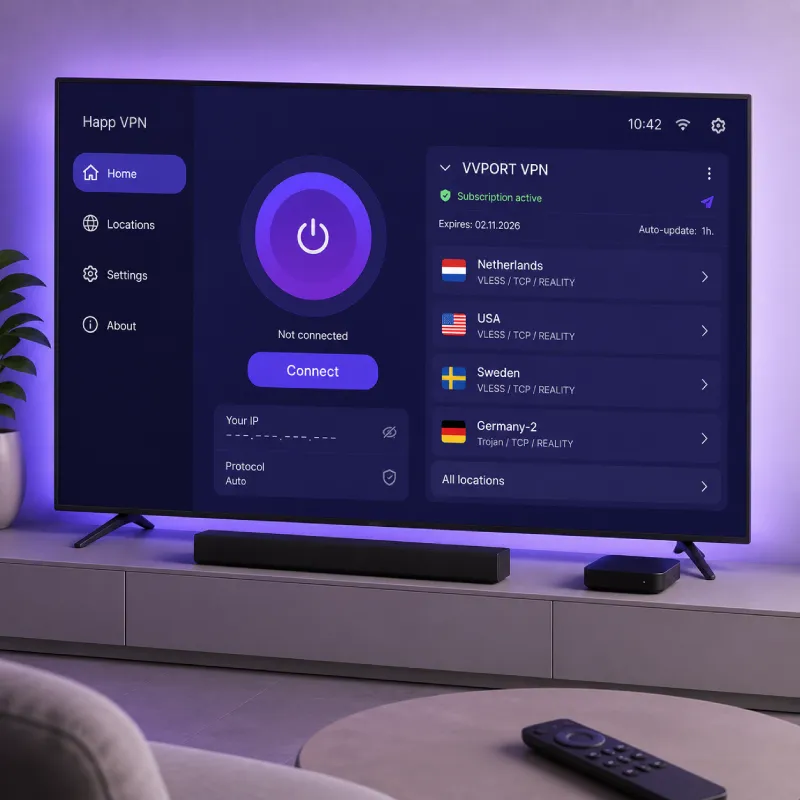
TV
Use Happ on Android TV and tvOS for secure content viewing on the big screen. Setup via VPN subscription takes less than a minute.
VVPORT tracks Happ app updates and provides access to stable and up-to-date client versions.
How to Set Up Happ VPN
Setting up Happ via VVPORT takes just a few minutes and is done automatically.
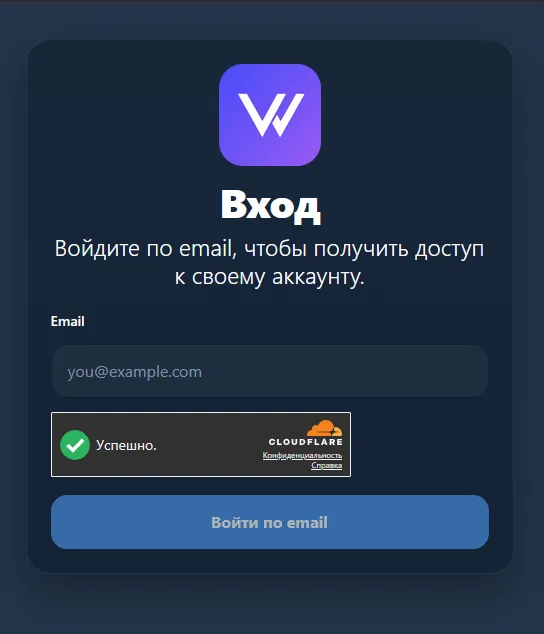
Log in to your VVPORT dashboard
Use your email to log in. A link will be sent to your inbox — just click it. No password needed.
Download Happ on your device
Go to the "My VPN" section, select your subscription and click "Download".
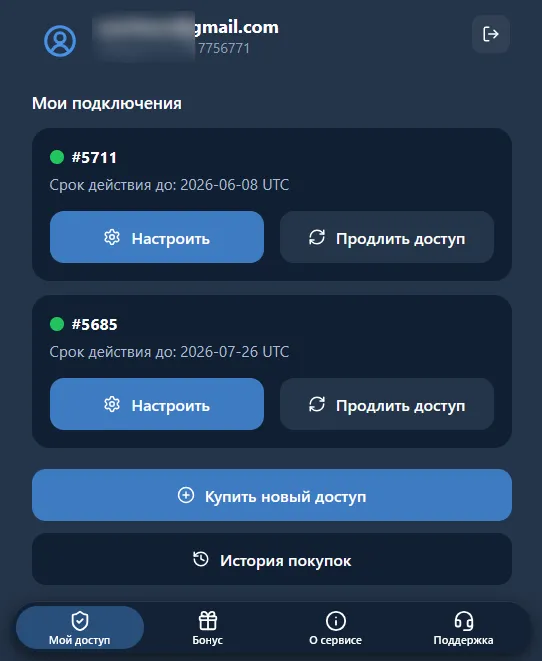
Click the "Connect" button
Go to the "My VPN" section, select your subscription and click "Connect".
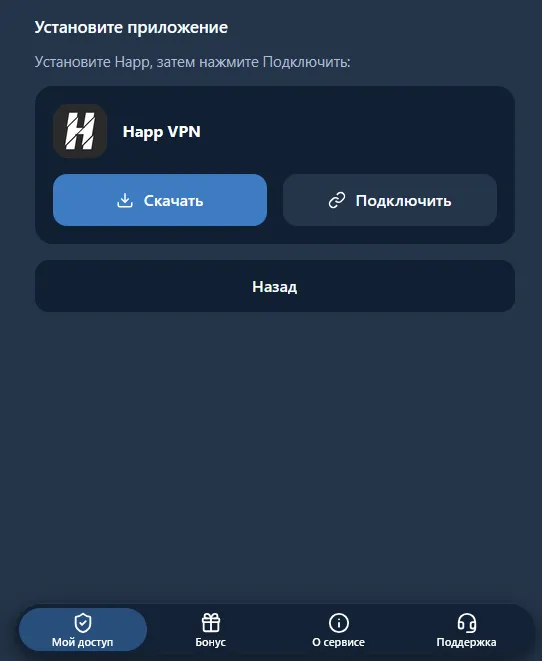
Tap "Connect" in the Happ app
The app will automatically load your VPN subscription, servers and connection settings. After setup you can switch locations directly within the app.
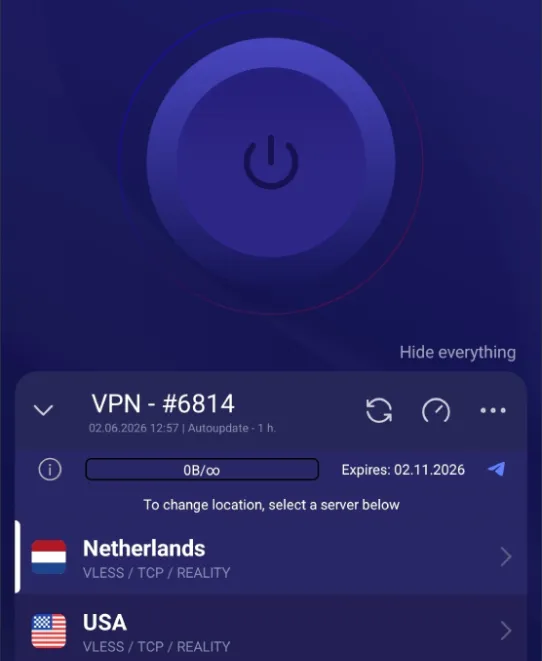
VPN Subscription and Keys for Happ
VVPORT provides VPN subscriptions and keys for Happ, allowing you to quickly add servers and start using VPN without complex manual setup.
Subscription
Automatically connects keys, updates servers and VPN settings.
Keys
Quick addition of server configuration to the Happ app.
Free trial period
New users get free access for 3 days to test the VPN service.
Quick connection
Full VPN setup usually takes less than a minute.
Frequently asked questions
Answers to common questions about Happ VPN and VVPORT